


Low-code
Low-Code and No-Code App Development
Business apps on low-code platforms, delivered in weeks and owned by you.
Get a free proposal
Tell us what you need. A consultant replies within one working day.
01
Business apps in weeks, not quarters
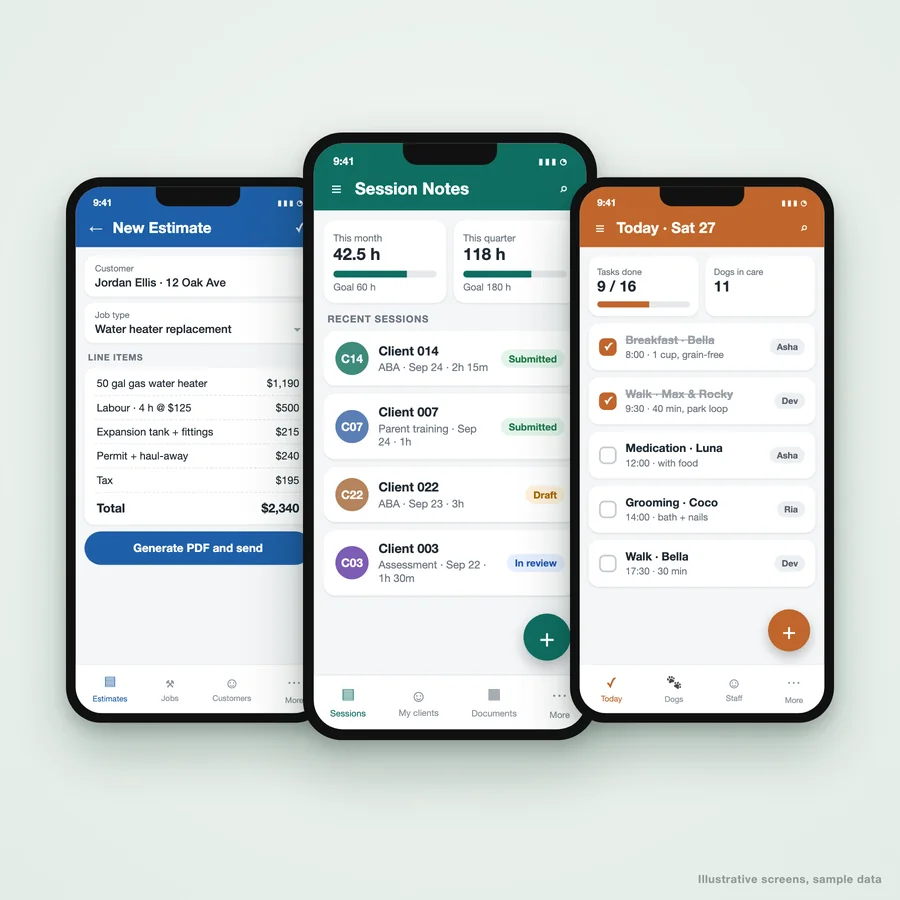
Low-code and no-code platforms let a business get a working app in front of its team in weeks: forms, approvals, dashboards and workflows on top of data you already have. Used well, they replace spreadsheets and email chains at a fraction of the cost of custom software.
We are a low-code development partner that knows where these platforms shine and where they stop. We pick the platform that fits your stack, model the data so the app does not slow down as it grows, and tell you plainly when a requirement needs custom code instead.
02
What we build with low-code and no-code
Internal business apps
Inventory, inspections, requests, scheduling and case management apps for your team.
- Web and mobile
- Offline for field teams
- Role-based access
Automated workflows
Approvals, notifications and document generation built into the app.
- Approval chains
- PDF documents
- Email and chat alerts
Portals and forms
Client and partner portals and smart forms that feed straight into your systems.
- Secure sign-in
- File uploads
- Status tracking
Dashboards
Reporting on the data your apps collect, without a separate BI project.
- Live dashboards
- Exports
- Exception alerts
03
Platforms we build on
04
Low-code and no-code questions
What is the difference between low-code and no-code?
Is low-code good enough for serious business apps?
Which platform should we use?
Are we locked into the platform?
Tell us what the app needs to do
Describe the process and where the data lives. We will recommend a platform and come back with what the build takes.
A reply from a consultant, usually within one working day.
Part of our Business Process Automation hub. Start with our business automation services.
Business Process Automation
More on business automation services
Power Apps and Power Platform Consulting
Power Apps developers and Power Platform consultants: business apps, Power Automate flows and Dataverse solutions built in your Microsoft 365 tenant.
AppSheet Developer for Business Apps and Automation
AppSheet developer for AppSheet app development and automation on Google Sheets or a database: field forms, approvals, invoicing and reports.
Custom Business Software and Application Development
Custom software development for business operations: internal tools, portals and workflow applications built around how your team works, and owned by you.
Lead Response Checklist: 15 Things So You Do Not Lose Leads While You Are Busy
A lead response checklist for business owners: 15 simple things so every enquiry gets a fast reply and a follow-up, even on your busiest day.
New Hire Onboarding Checklist: 15 Things So You Do Not Lose New Hires in Their First Week
A new hire onboarding checklist for business owners: 15 simple things to do before and during week one so new people settle in and stay.